
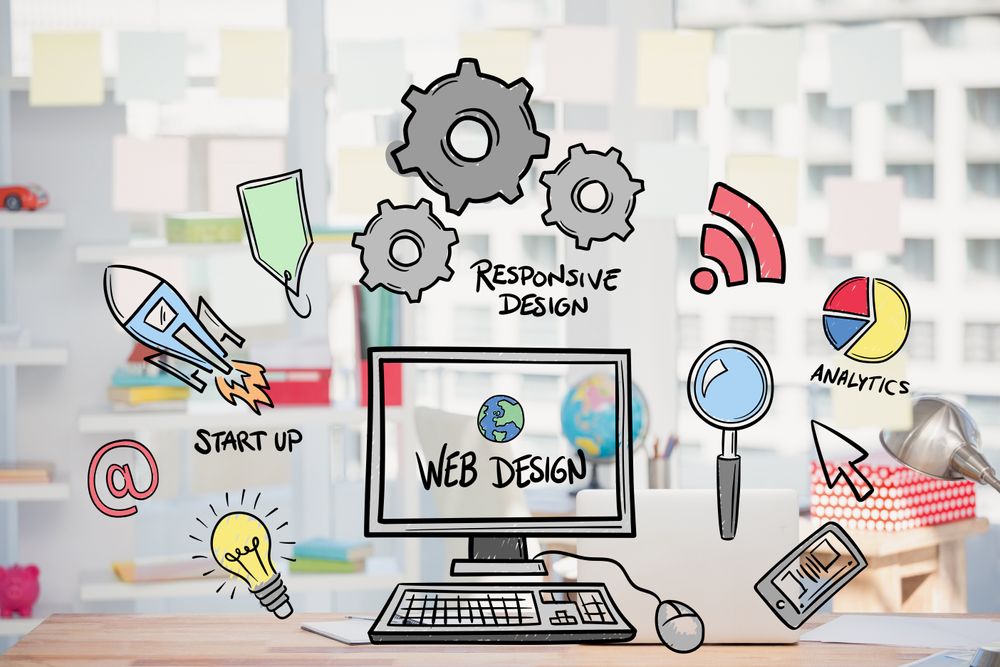
In today’s world, your website is usually the first thing people see about your business. It acts like your online shop, office, or portfolio — and the design of your website plays a huge role in whether people trust you, contact you, or buy from you.
The good news?
Website designing is no longer complicated or only for tech experts. With modern tools and AI, anyone can create a beautiful, functional website in a short amount of time.
This guide will help you understand what website designing really is, why it matters, and how you can build a great website even if you’re a complete beginner.
What Is Website Designing?
Website designing is basically how your website looks and feels. It includes things like:
- Choosing colors
- Picking the right fonts
- Arranging content properly
- Designing the layout
- Making sure the site works well on mobile
- Ensuring the user has a smooth experience
Think of it as decorating your home — but online.
Why Website Designing is Important
A well-designed website can make a massive difference. Here’s why:
1. It Builds Trust
People judge your business within seconds. A clean and modern design helps you look professional and reliable.
- It Keeps Visitors on Your Page
If your website is easy to use and loads quickly, people will stay longer.
3. It Helps You Get More Leads and Sales
Good design encourages people to take action — whether that’s booking a service, contacting you, or buying a product.
4. It Shows Your Brand Identity
Your design should reflect who you are as a brand.
5. It Improves Your SEO
Search engines prefer websites that are structured well and easy to navigate.
Important Elements of a Good Website Design
To make your website effective, focus on these:
1. Simple and Clean Layout
Don’t overload the page. Give visitors space to breathe.
2. Clear Visual Flow
Important stuff like headings and CTAs should stand out.
3. Mobile-Friendly Design
Most people browse on their phone. Your site must look good on all devices.
4. Fast Loading Speed
Slow sites lose visitors fast.
5. Easy Navigation
Menus should be simple and user-friendly.
6. Consistent Branding
Use the same colors, fonts, and style across your website.
7. High-Quality Images
Good visuals instantly make your website more appealing.
8. Strong & Clear CTA Buttons
Examples:
- “Get Started”
- “Contact Us”
- “Book Now”s of Websites You Can Create
You can build any type of website today without writing a single line of code, such as:
- Business websites
- E-commerce stores
- Portfolios
- Blogs
- Landing pages
- Service websites
- Personal branding sites
- Event pages
Best Tools for Website Designing (No Coding Needed)
These platforms are beginner-friendly and powerful:
1. WordPress
Great for blogs, business websites, and SEO.
2. Wix
Perfect for beginners with drag-and-drop features.
3. Canva Websites
Good for simple one-page, beautiful layouts.
4. Webflow
Best for modern, animated, professional designs.
5. Shopify
Ideal for online stores.
How to Design a Website (Step-by-Step)
Here’s a simple, easy process:
Step 1: Decide What Your Website Is For
Is it for selling products? Building credibility? Showing your portfolio? This will guide your design.
Step 2: Choose a Platform
Pick what suits your need — WordPress, Wix, Shopify, Webflow, etc.
Step 3: Select a Template
Choose a design layout that matches your brand style.
Step 4: Customize the Design
- Add your images
- Adjust colors
- Edit text
- Add buttons
- Add your logo
Step 5: Check Mobile View
Make sure it looks good on phones and tablets.
Step 6: Add Important Pages
- Home
- About
- Services / Products
- Contact
- Blog
- Privacy Policy
Step 7: Test and Publish
Check links, test on mobile, fix errors — then go live!
Trending Website Design Styles in 2026
Want your website to look modern? Use:
- Minimal design
- Big bold fonts
- Light/dark mode
- Smooth animations
- 3D illustrations
- AI-generated visuals
- Glassy, gradient backgrounds
- Full-screen hero banners
Conclusion
Website designing is not just about making a site look attractive — it’s about creating a smooth, user-friendly experience that represents your brand and helps you grow online.
With the tools available today, anyone can design a professional website without coding or technical skills. Whether you’re starting a business, building a personal brand, or creating an online portfolio, good design will make you stand out.